Featured images gallery
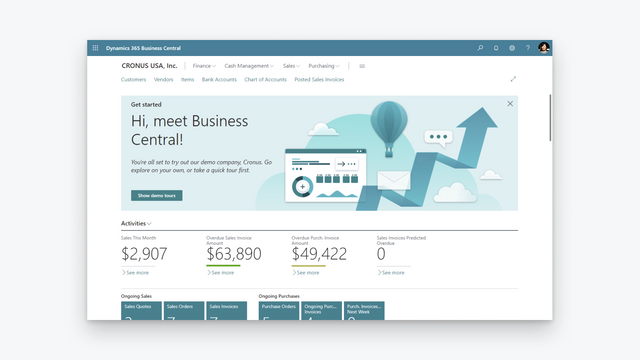

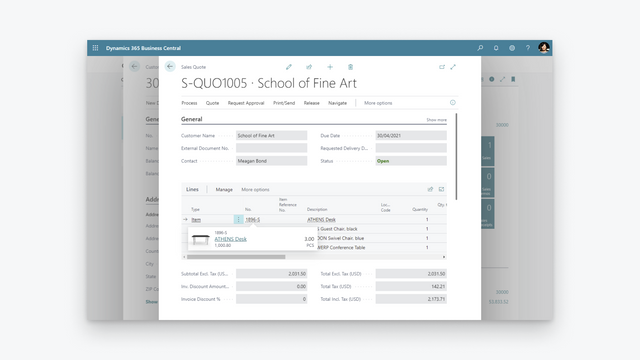
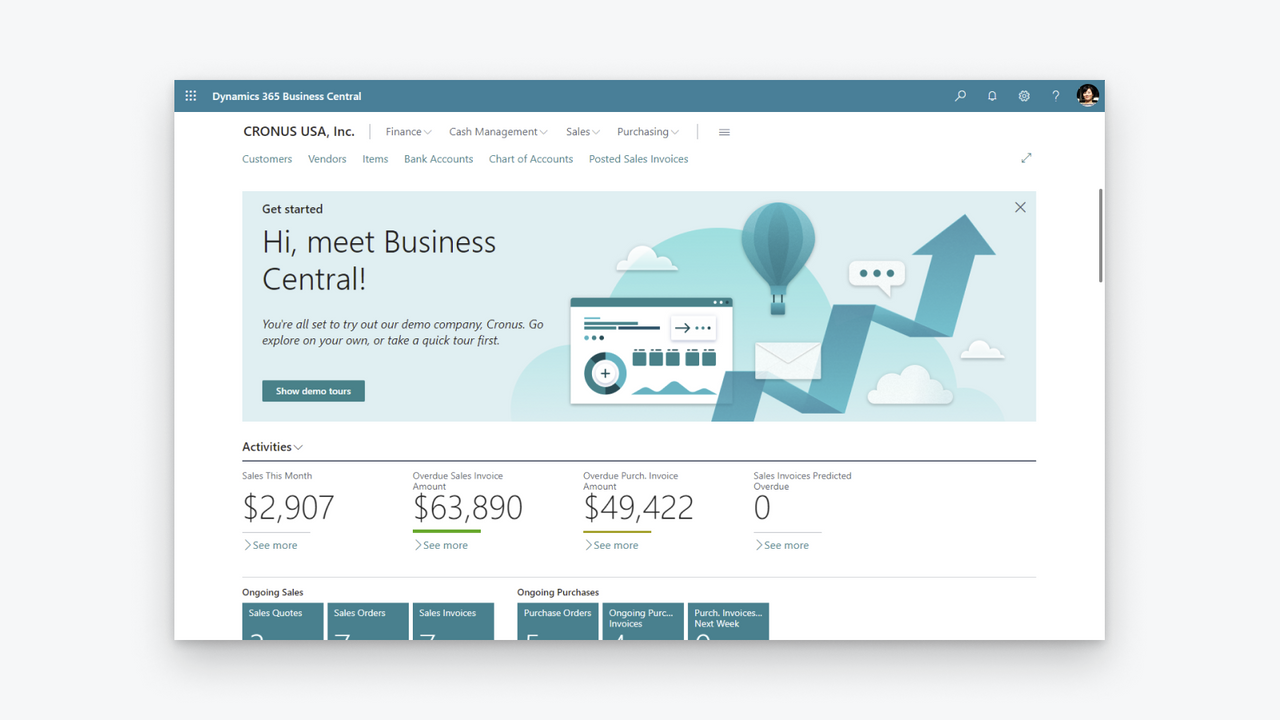

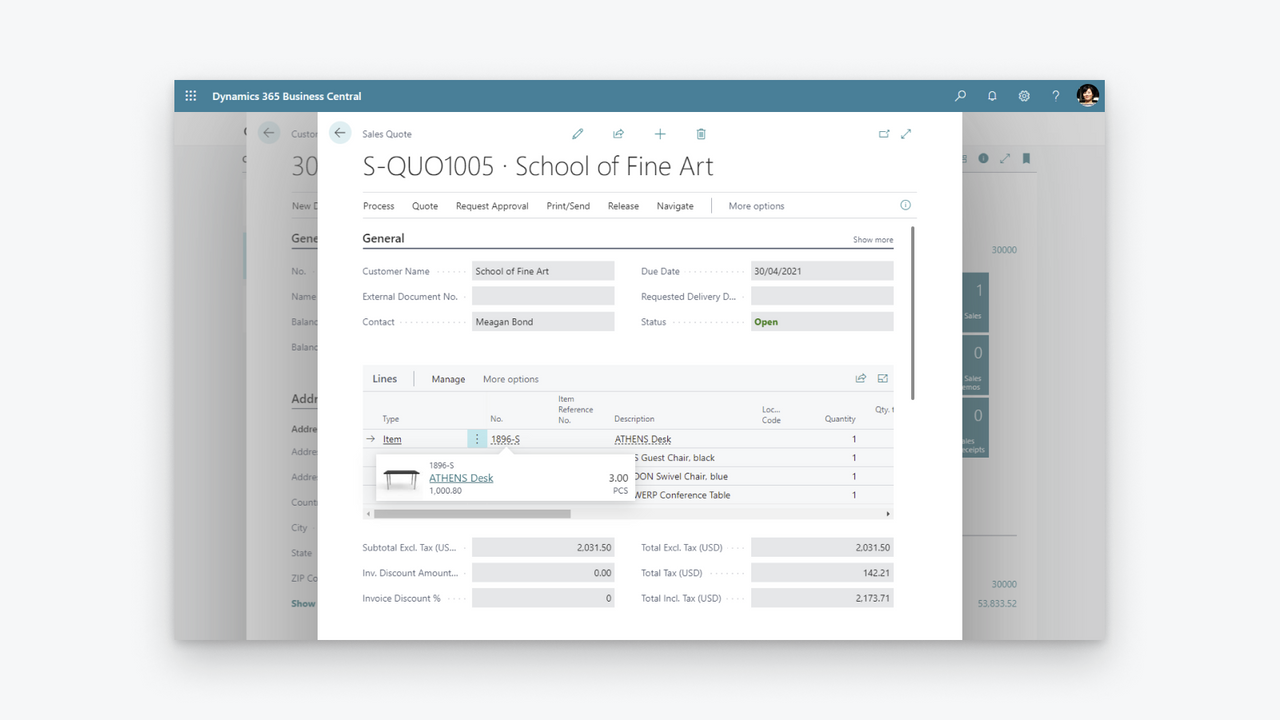
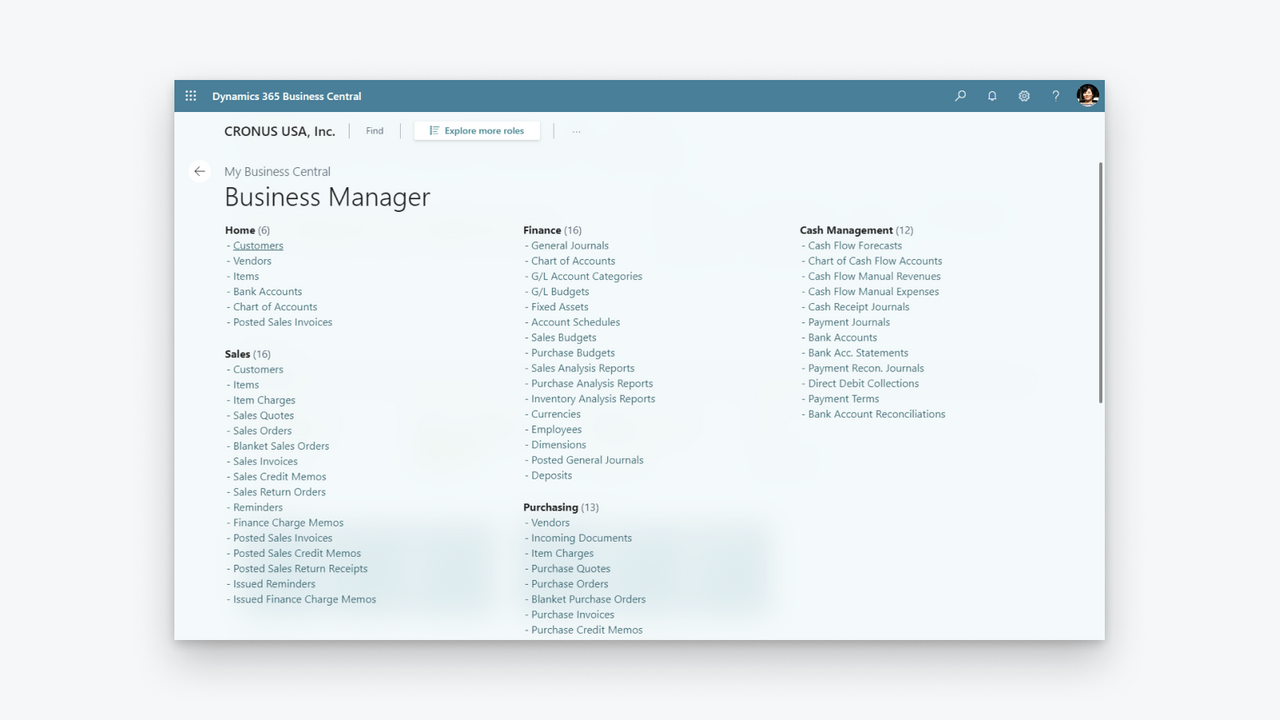
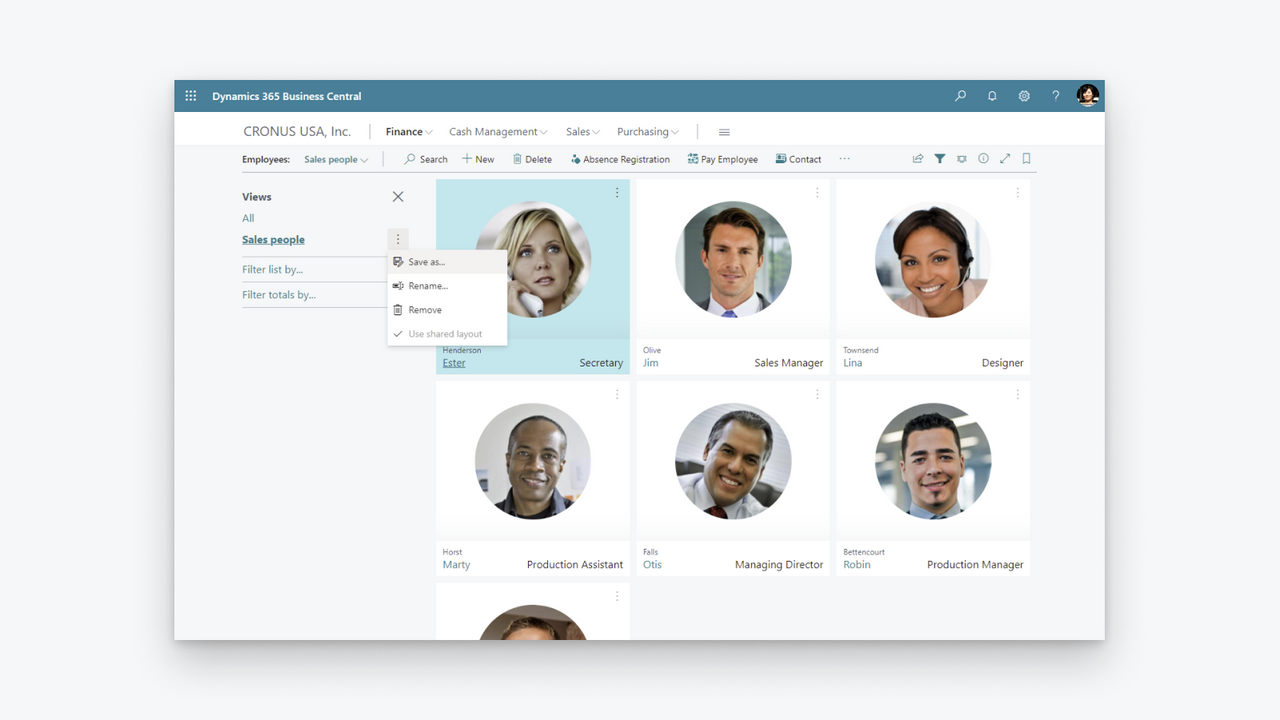
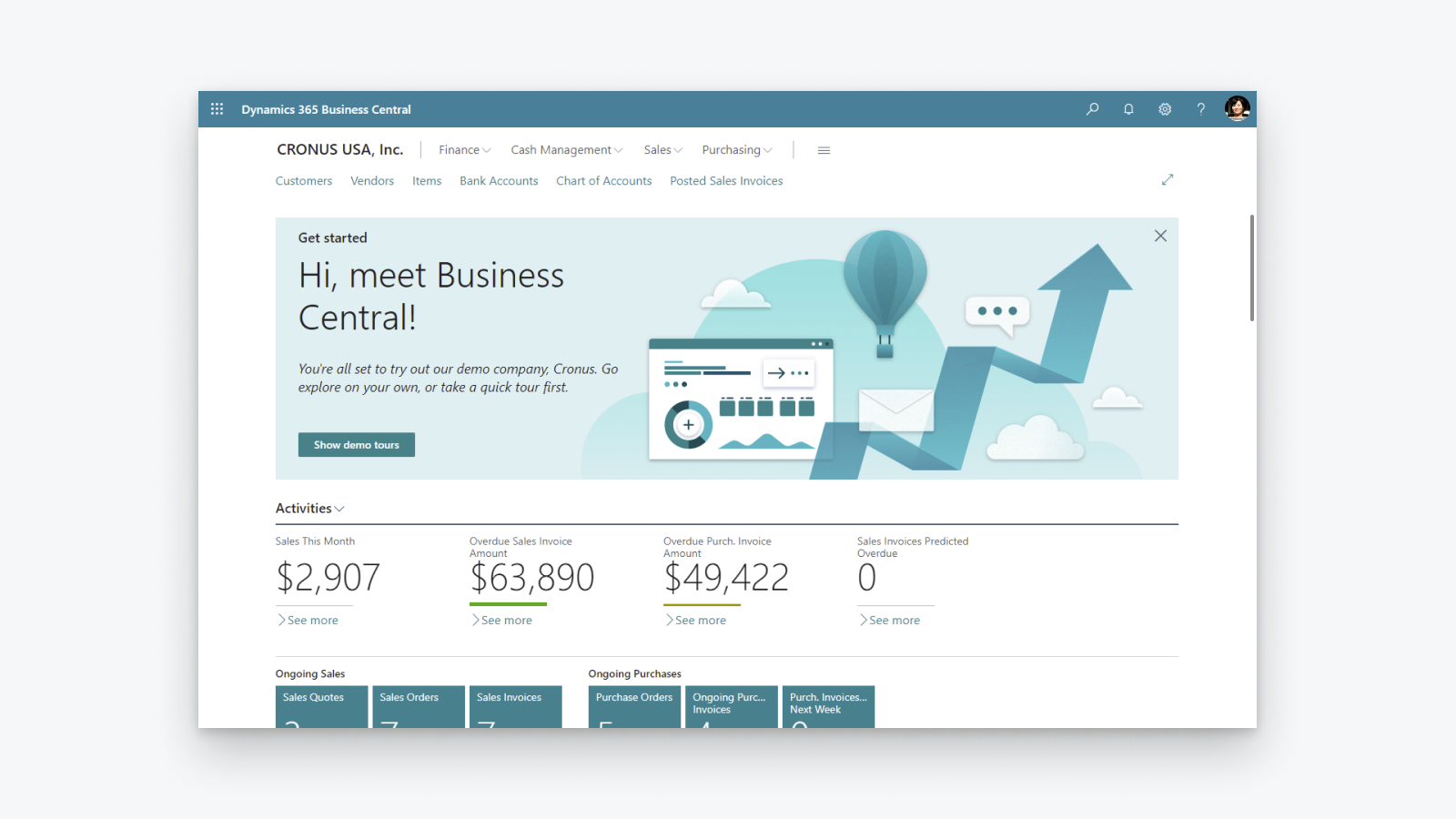

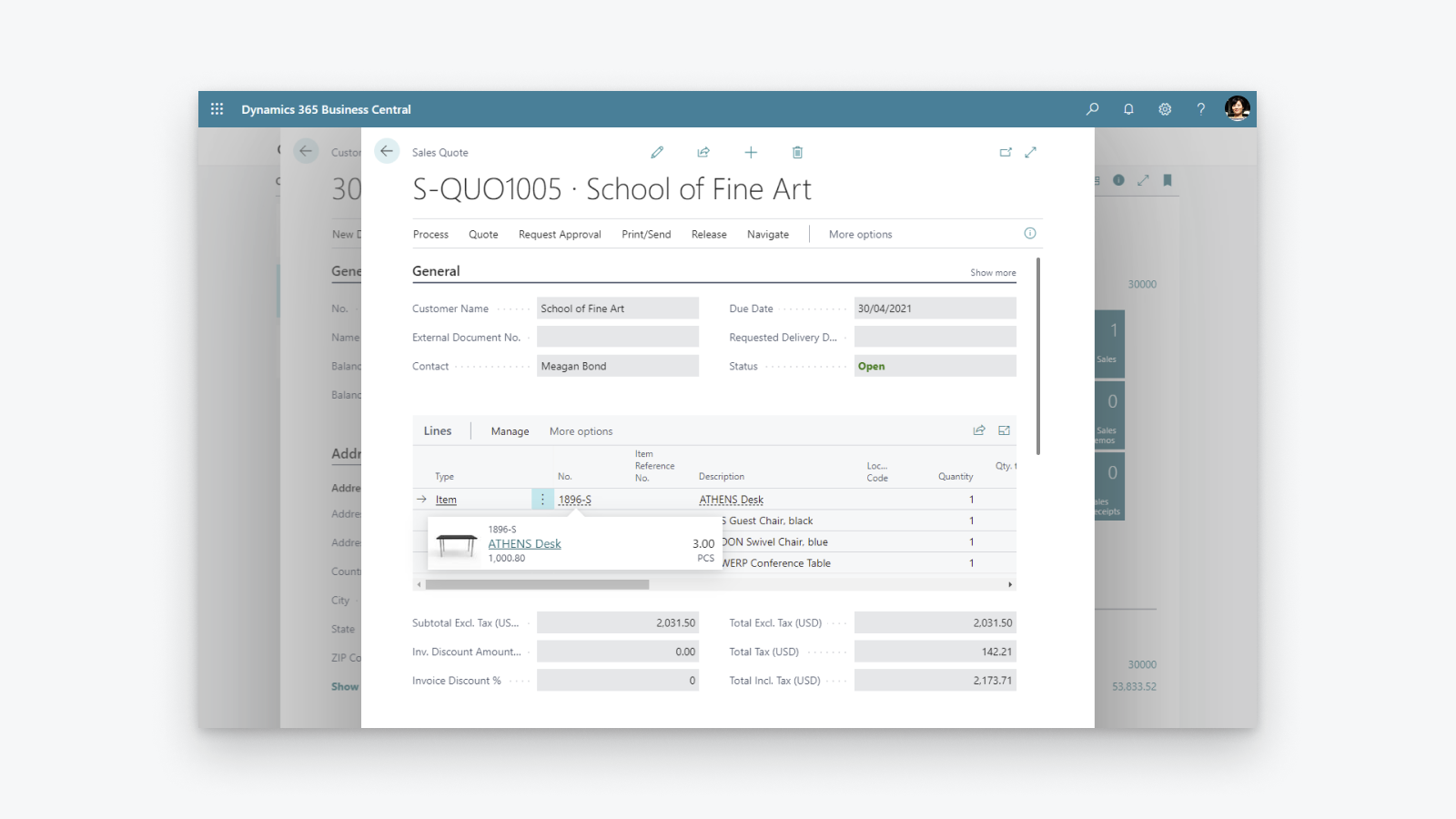
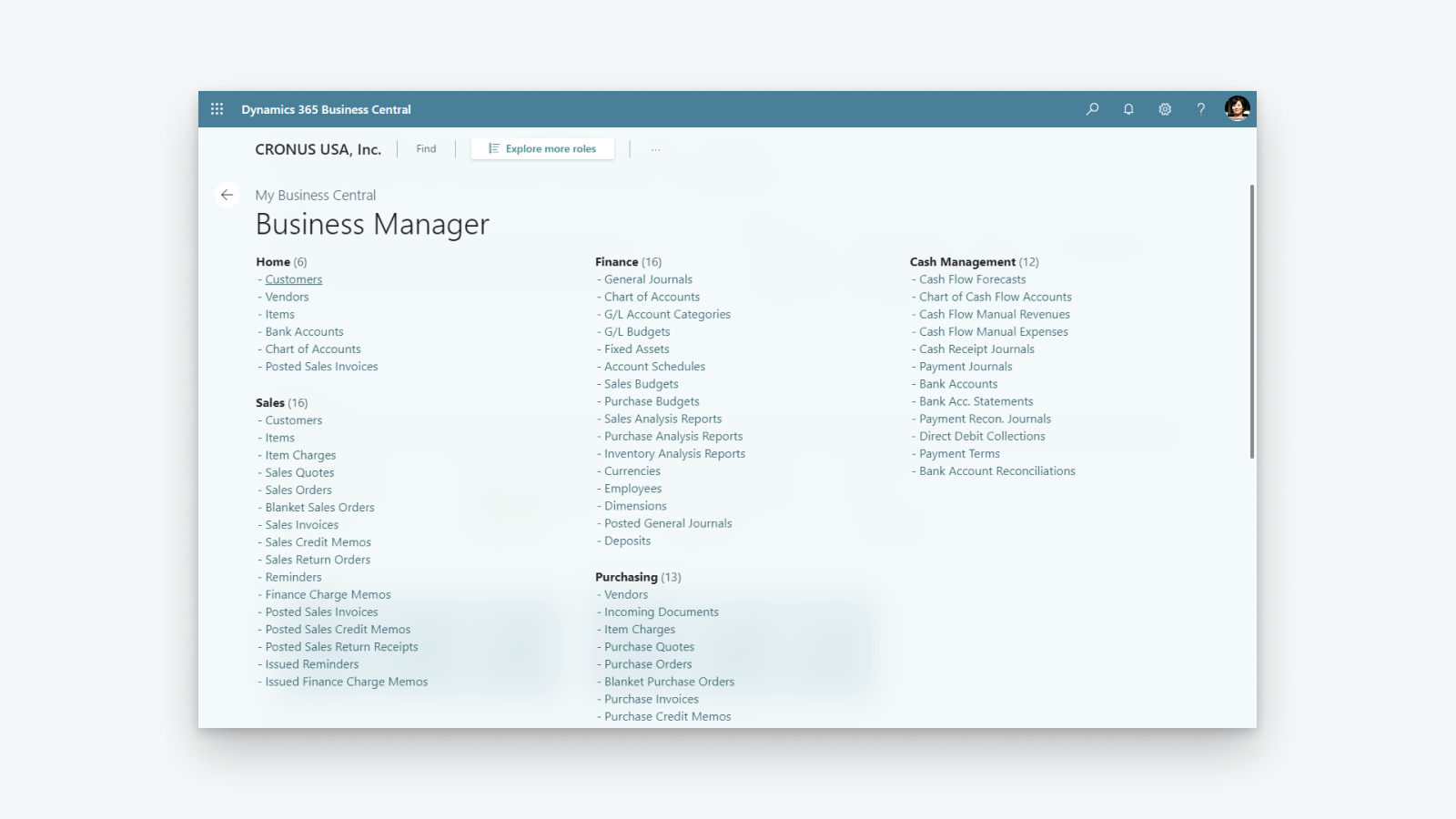
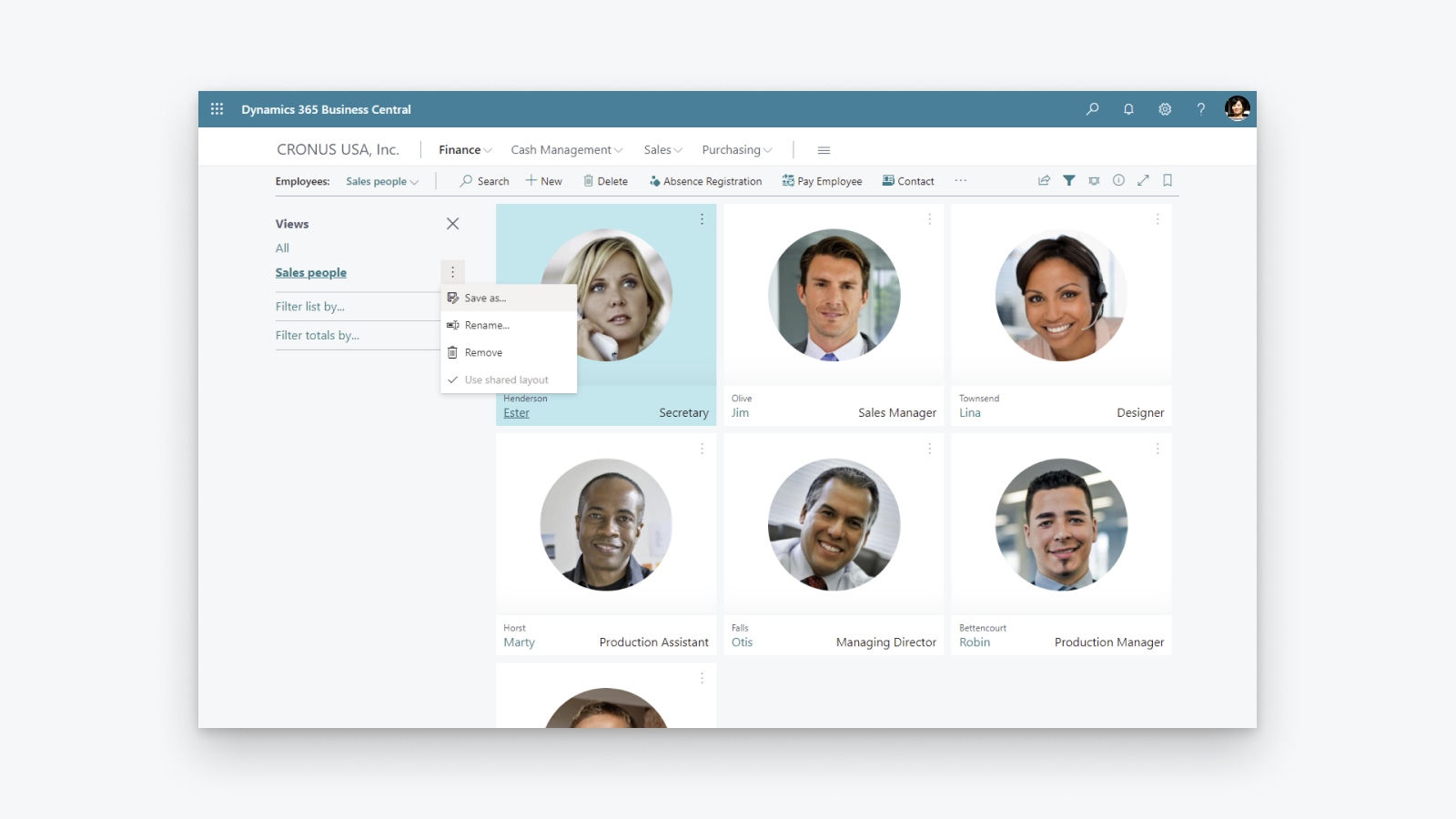
Comprehensive business management solution that helps small and midsized companies.
Increase financial visibility: get overview of your profit and costs, be in control of your tax calculation and reporting. Optimize inventory: deliver products on time and adapt to changing business models with visibility across purchasing, manufacturing, inventory, and warehouses. Unlock business insights: get overview of your inventory value, use AI to predict future sales, setup automatic ordering of products and be in control of costs.
- Support for more than one Shopify shop, sales channel, location.
- Bi-directional synchronization of items or products.
- Synchronization of inventory levels.
- Bi-directional synchronization of customers and companies.
- Import of orders from Shopify and send fulfillment information to Shopify.
Languages
English
Categories
Financial reports
Financial operations
Automated data sync
Order processing
Inventory management
Pricing
Choose the plan that best fits your business.
External charges may be billed by Microsoft separately from your Shopify invoice. Learn more
Free
Free
All charges are billed in USD. See all pricing options
Reviews (27)
The app feels extremely complicated for no reason. For one, there is barely any user interface on the Shopify side. You would think the process would be much simpler, with Shopify acting as the hub while inventory is automatically pulled from Business Central.
Inventory syncing is also inconvenient and extremely unreliable. I set up a Job Queue Entry to automatically sync inventory, and it simply does not work consistently. Some items update correctly while others do not, which makes the entire system difficult to trust.
The setup process itself is also unnecessarily complicated. The documentation already tells you exactly what needs to be entered and where, so why are those fields not automatically populated during setup?
Overall, this section feels much more complicated than it needs to be, especially for something as basic as keeping inventory synchronized between Business Central and Shopify.
Thank you for trying the Shopify Connector for Business Central and for sharing these detailed insights. Your feedback helps us understand where the setup and inventory synchronization experience needs improvement, and we will explore how to make it simpler and easier to trust.
We would also like to understand why some items are not synchronizing as expected. On the Shopify Shops list in Business Central, please use the Provide Feedback action and share examples of the affected items and any relevant details.
Our troubleshooting guide might also help identify the cause:
https://learn.microsoft.com/dynamics365/business-central/shopify/synchronize-inventory#troubleshooting-inventory-synchronization
Please continue sharing suggestions for improving the connector at https://aka.ms/bcideas.
Kind regards,
Microsoft Dynamics 365 Business Central engineering team
Trash. Especially reconciliation, and even more so when dealing with orders(sales orders) where there are multiples of the same item and discount is present on one of them:
The item gets broken down into two item lines, and when you sync the shipment back to Shopify, the connector doesn’t know what to do with two or more of the same item on different item lines.
Thank you for your feedback. We understand the frustration with how discounted and non-discounted lines for the same item are handled during shipment synchronization back to Shopify.
We are really happy to share that we found a way to solve this problem and released a fix as part of the 2026 release wave 1 update, which is already available. We encourage you to upgrade to the latest version of Business Central to benefit from it.
Kind regards,
Microsoft Dynamics 365 Business Central engineering team
Really good integration, there are some limitations, but for a free addon I feel it's very stable.
There are alot of quality of life things that make it easier, but there are some downsides, like BOM handling and syncing lead times (for out of stock items) doesn't work out-of-the-box.
Thank you for your kind words and for using the Shopify Connector! We are glad to hear that the integration has been stable for you.
We appreciate the feedback on BOM handling and lead time synchronization. If you would like to see these capabilities added, we encourage you to submit your suggestions at https://aka.ms/BCIdeas. This helps us prioritize future improvements based on customer demand.
Kind regards,
Microsoft Dynamics 365 Business Central engineering team
Support
App support provided by Microsoft.
Resources
Launched
April 29, 2022
Data access
This app needs access to the following data to work on your store. Learn why in the developer's privacy policy .
View customer data:
Sensitive data, device and activity data
-
Sensitive data
Name, email address, phone number, physical address
-
Device and activity data
Geolocation, IP address, browser and operating system
View staff and contributor data:
Store owner, staff members
-
Store owner
Name, email address, phone number, physical address
-
Staff members
Name, email address, phone number
View and edit store data:
Customers, products, orders, discounts, staff accounts, Shopify Payments, Online Store, Shopify admin, other data
-
Edit customers
Customer data
-
Edit products
Inventory, products, collections
-
Edit orders
Assigned fulfillment, draft orders, order fulfillments, merchant managed fulfillment, order edits, all order history, returns, shipping information, third-party fulfillment
-
View discounts
Discount codes and promotions
-
View staff accounts
Staff accounts
-
View Shopify Payments
Shopify Payments accounts, Shopify Payments payouts, Shopify Payments disputes
-
View Online Store
Checkout page
-
Edit Shopify admin
Files
-
Edit other data
Locales, locations, Shopify Markets settings, payment terms, publications of products on sales channels, translations
Featured in

More apps like this